
What does Backflow Fix It DC do?
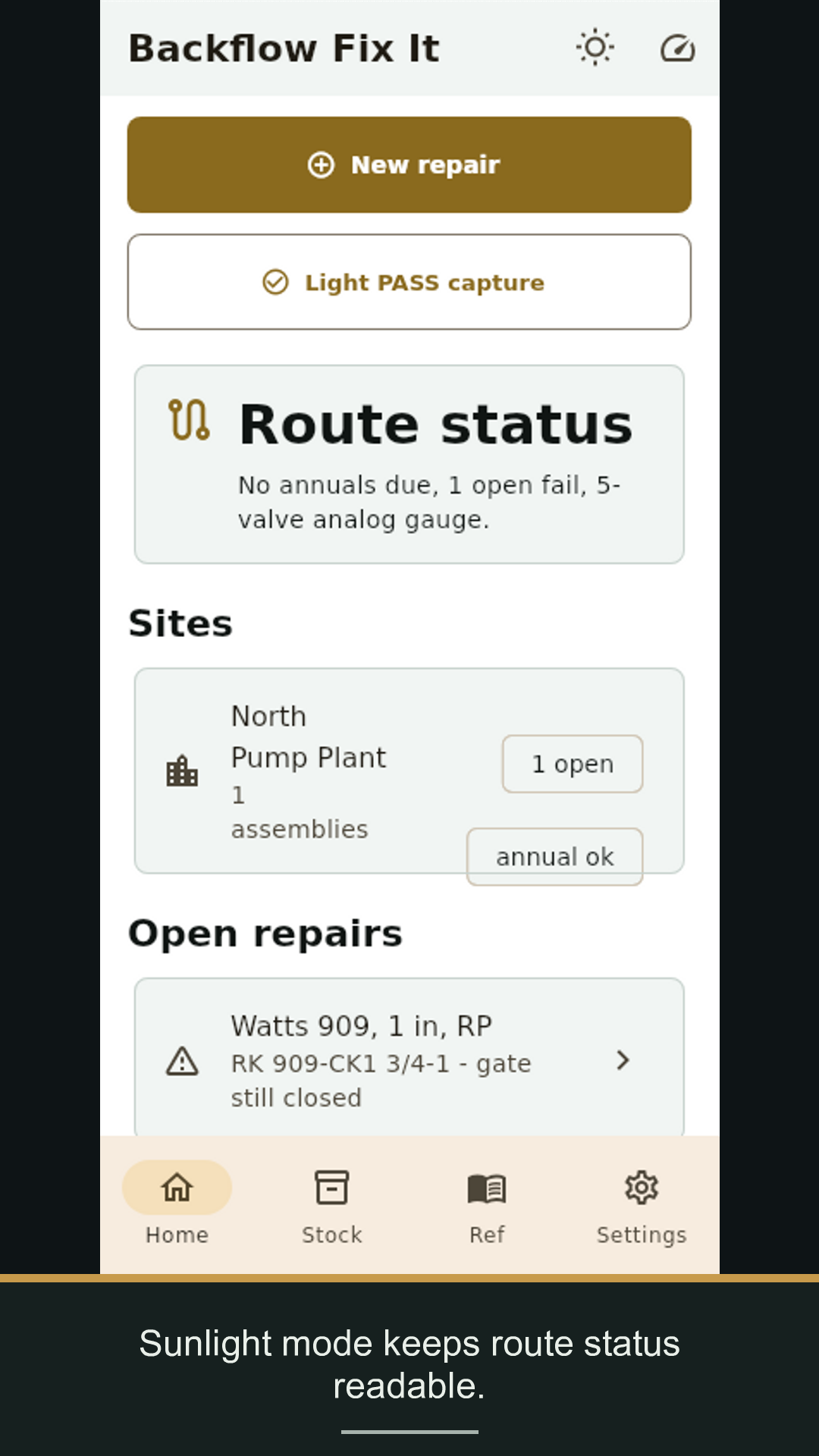
It turns a failed backflow test into the bad module and rebuild-kit part number for that assembly.
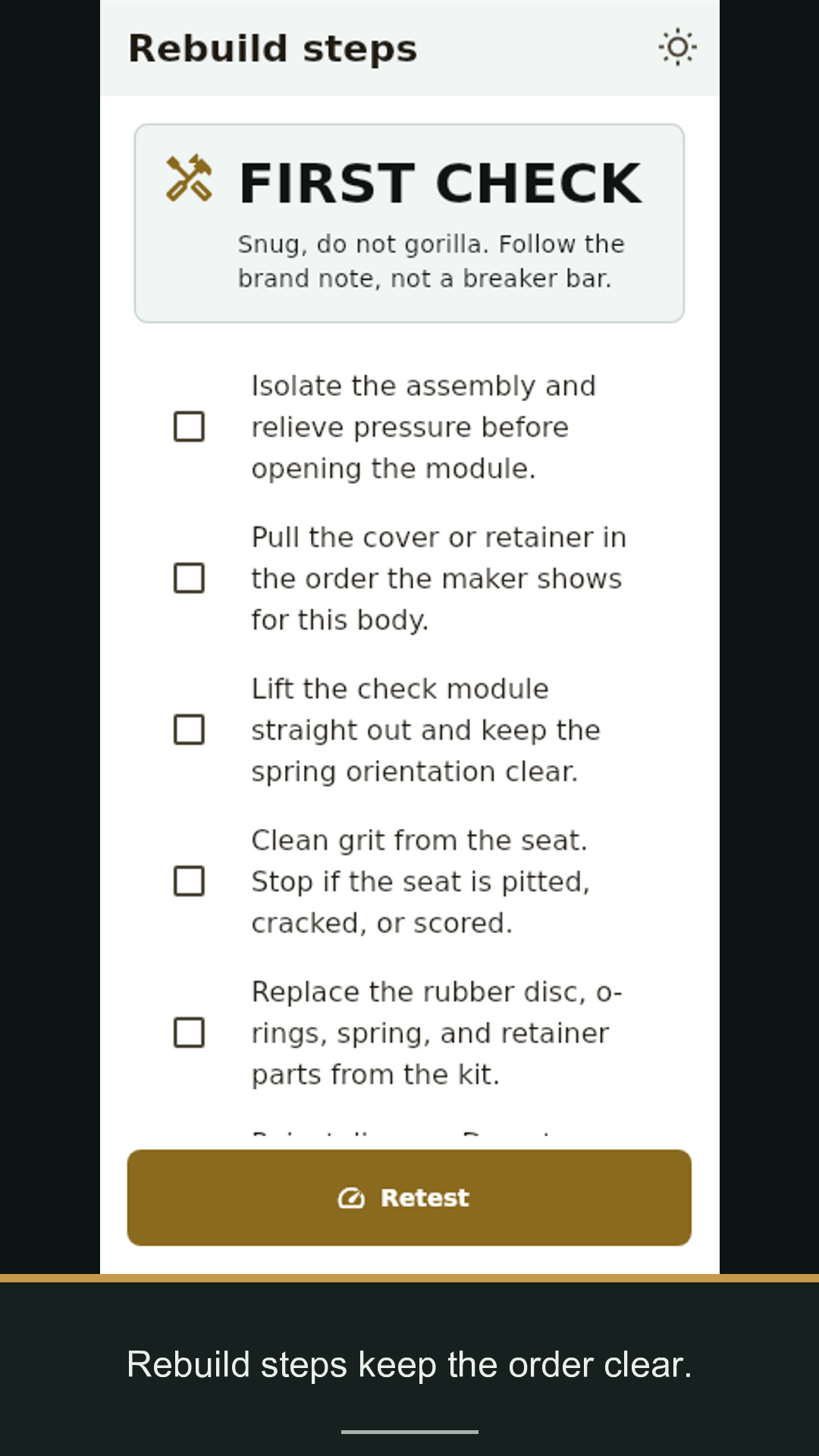
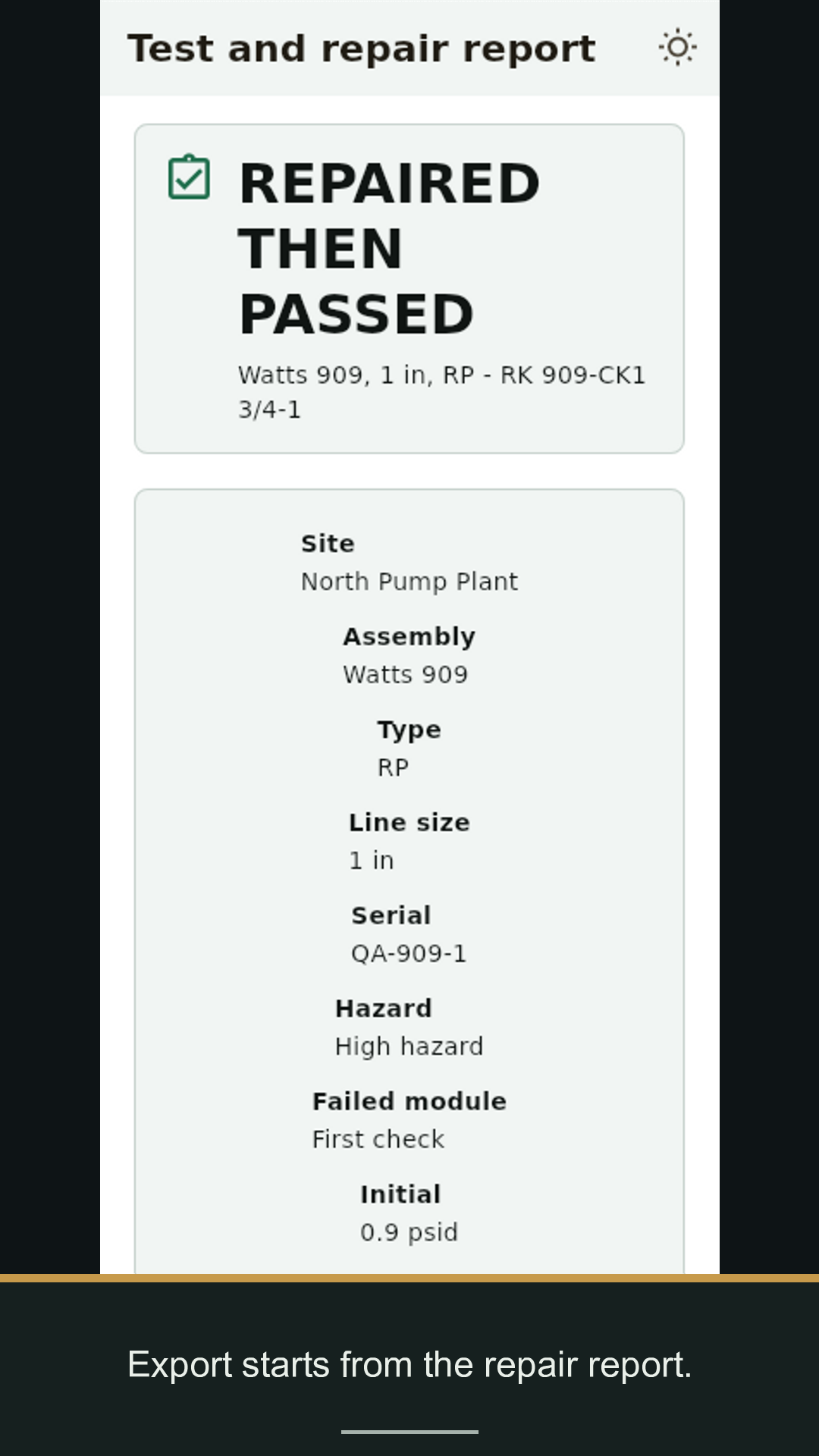
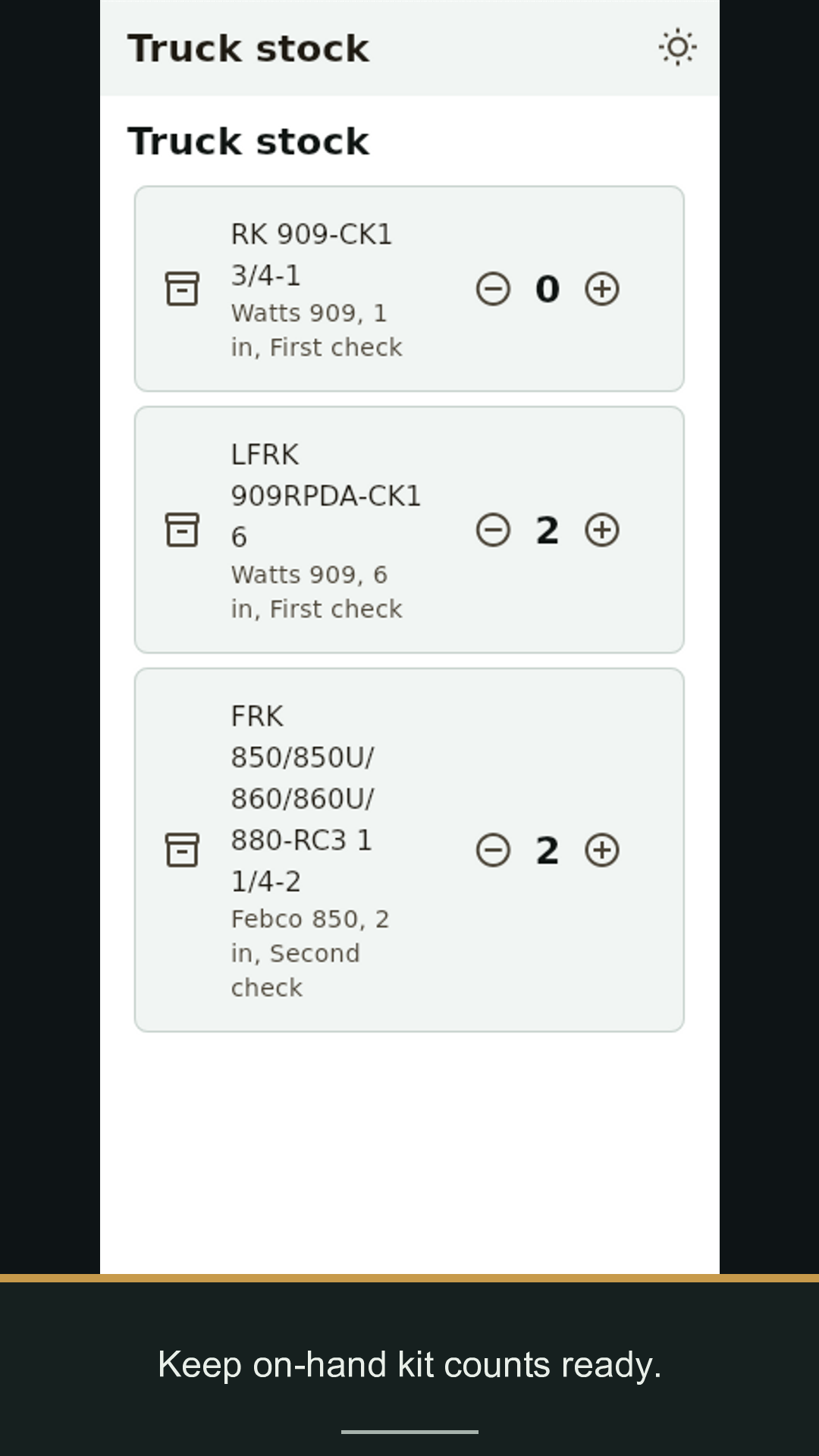
Pick the assembly and failed result. Get the likely bad module, the kit number, the truck-stock flag, the rebuild checklist, and the retest gate in one offline app.
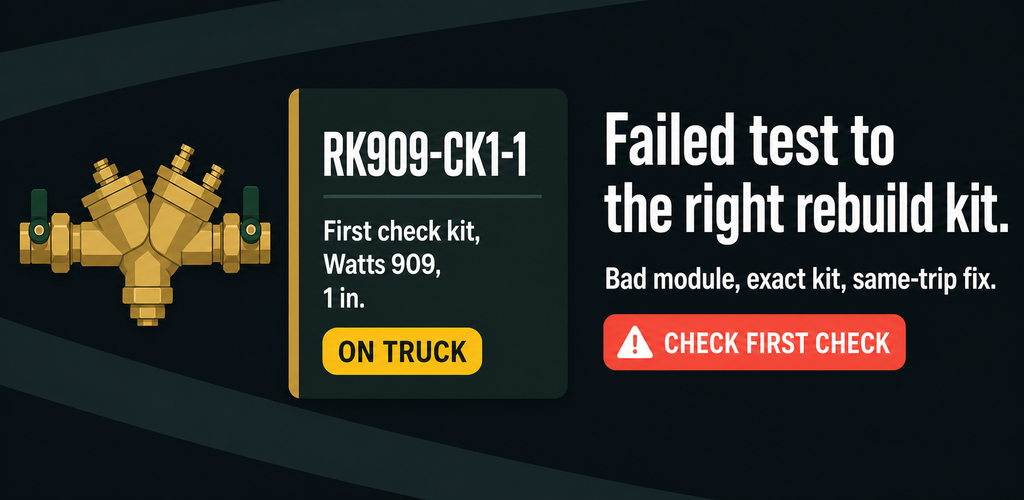
Bad module The app turns the failed reading into the likely failed check, relief valve, or detector bypass module.
Kit number It shows a derived rebuild-kit match for the body and size, with a confirm-against-listing reminder.
Retest gate It keeps the repair open until a passing retest is written and marked submitted.
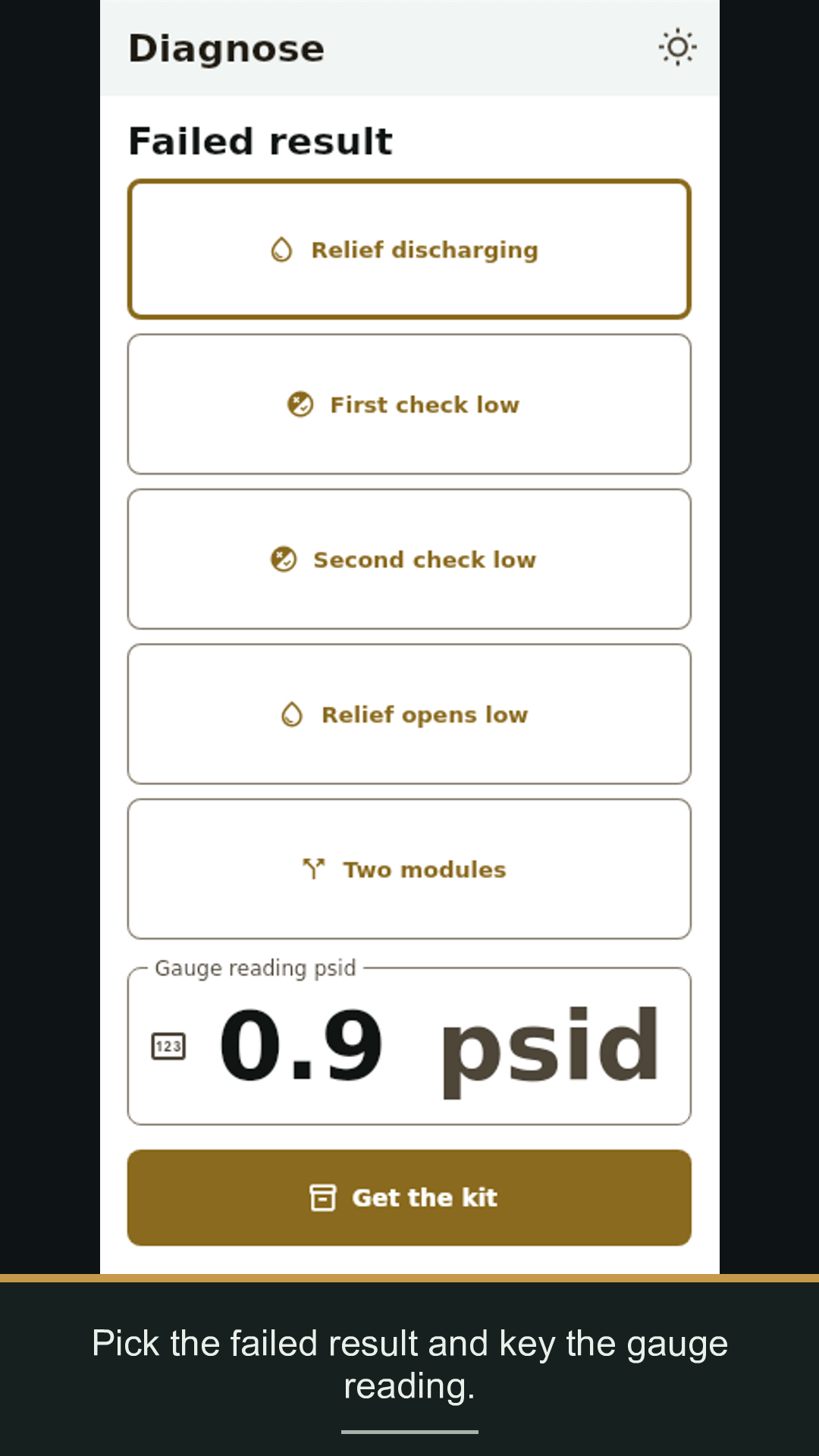
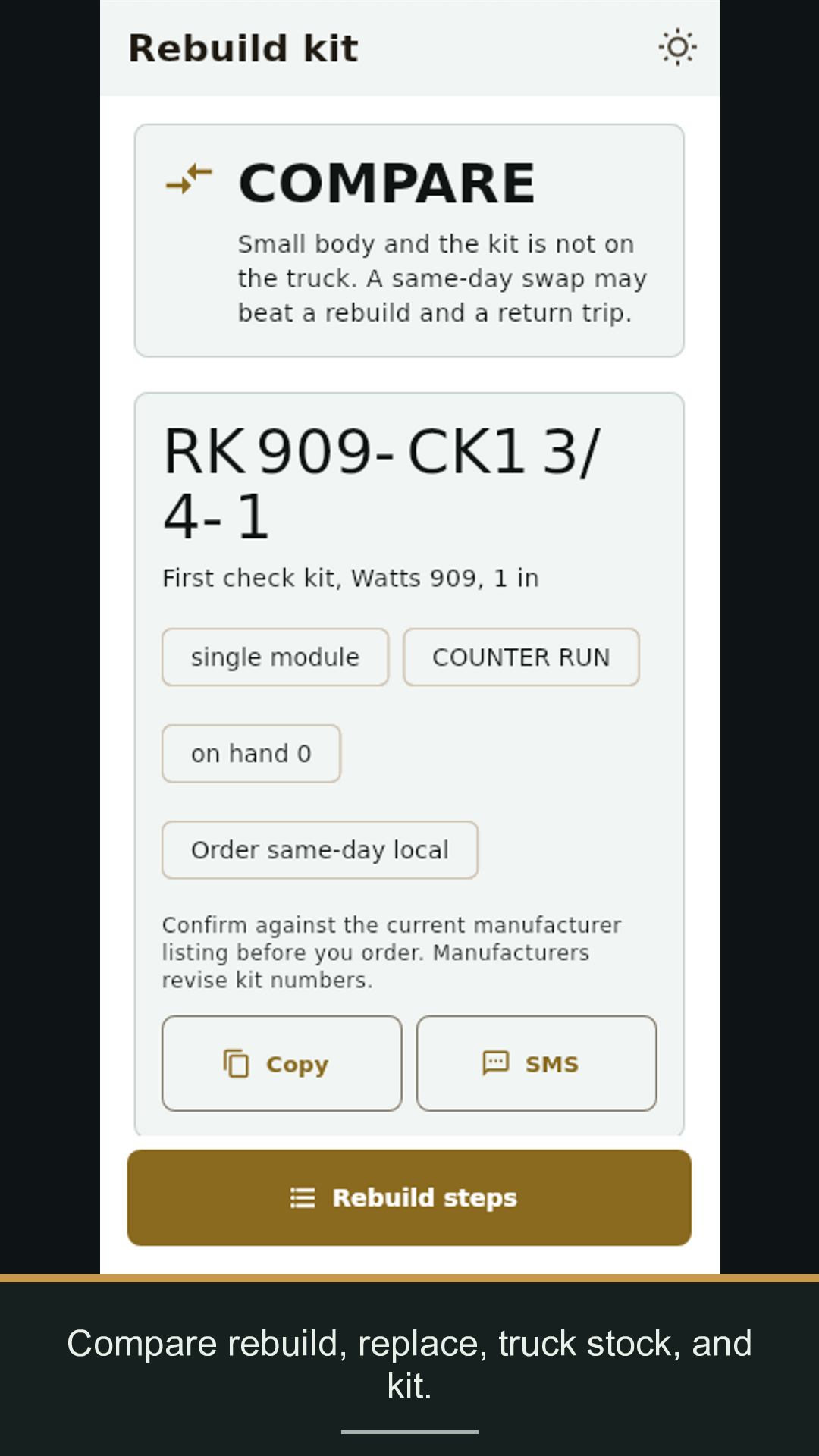
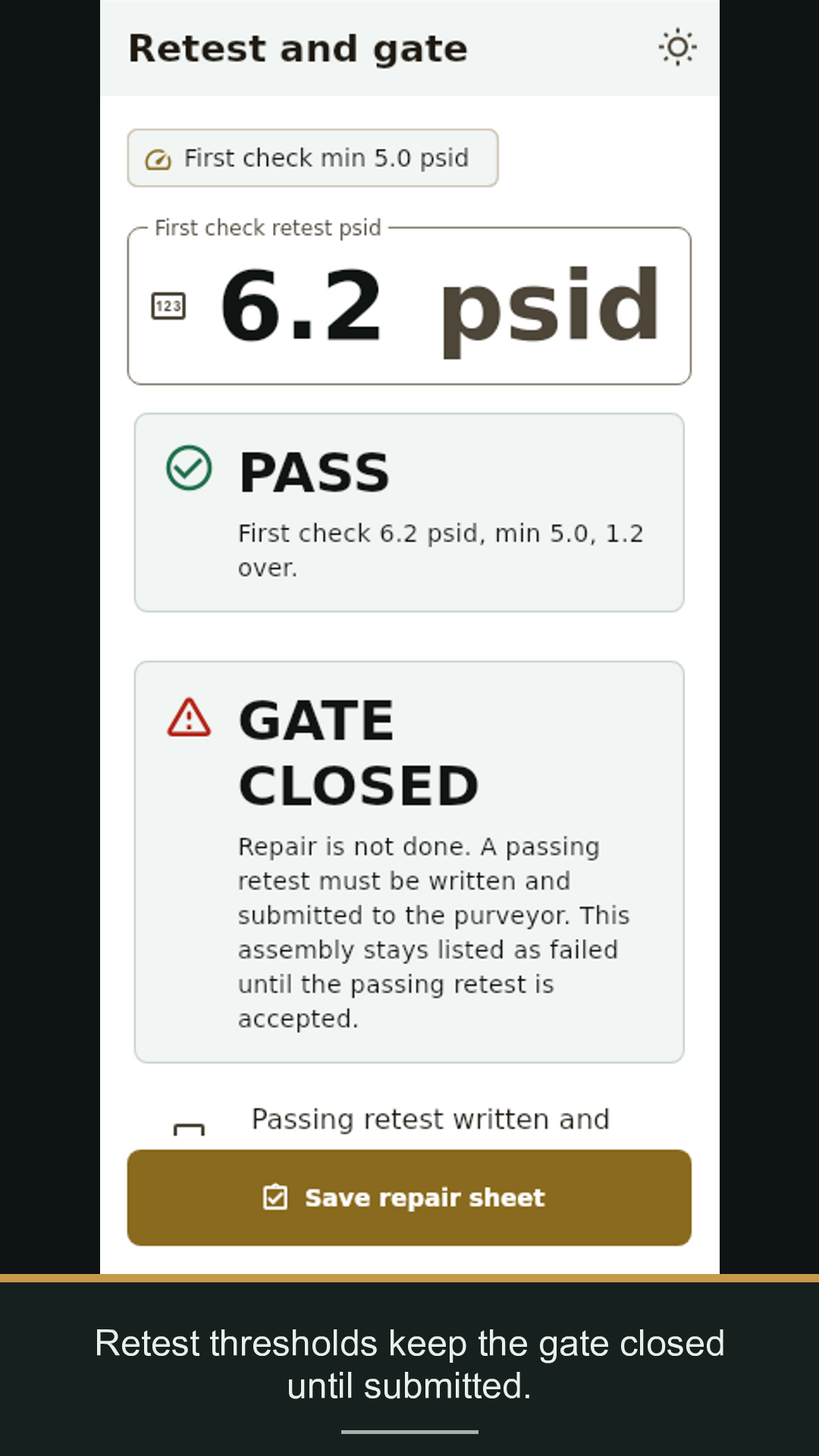
It turns a failed backflow test into the bad module and rebuild-kit part number for that assembly.
No. It is a field aid. The certified tester confirms the kit, performs the repair, retests, and submits the passing result.
No for lookup, diagnosis, records, and export generation. Google Play purchase, optional Play review, and Android share targets may use a network.
Free for three repair sheets, then $19.99 per month, $199 per year, or $499 lifetime.