
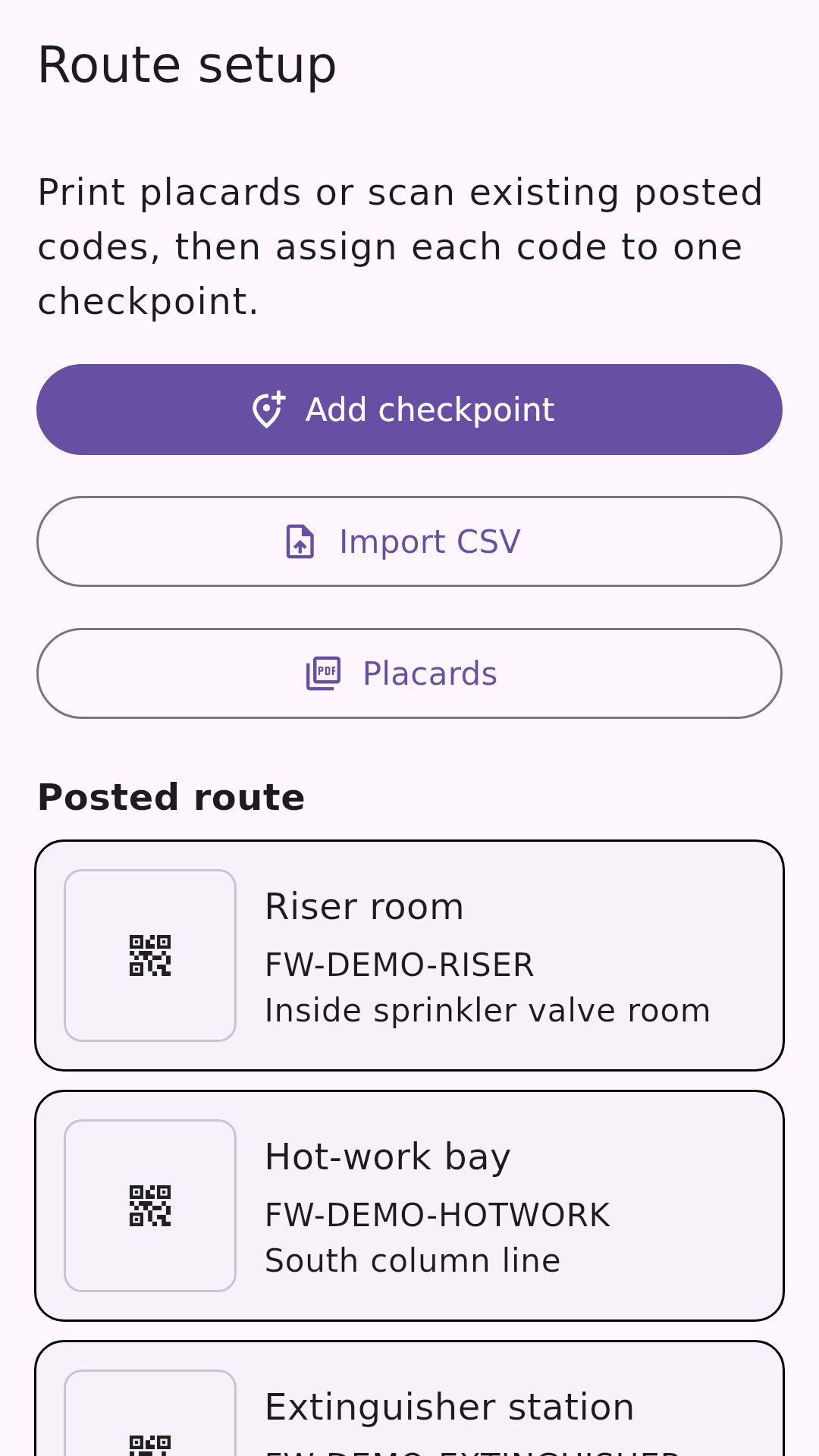
Create checkpoints, import a route, and print placards for the site.
Timed patrol records · Android
Fire Watch Log Sheet & PDF
Document timed fire-watch rounds, QR checkpoints, photos, incidents, and handoffs during sprinkler, alarm, standpipe, pump, hot-work, or other impairments.
From patrol to handoff
A complete field record without a generic form
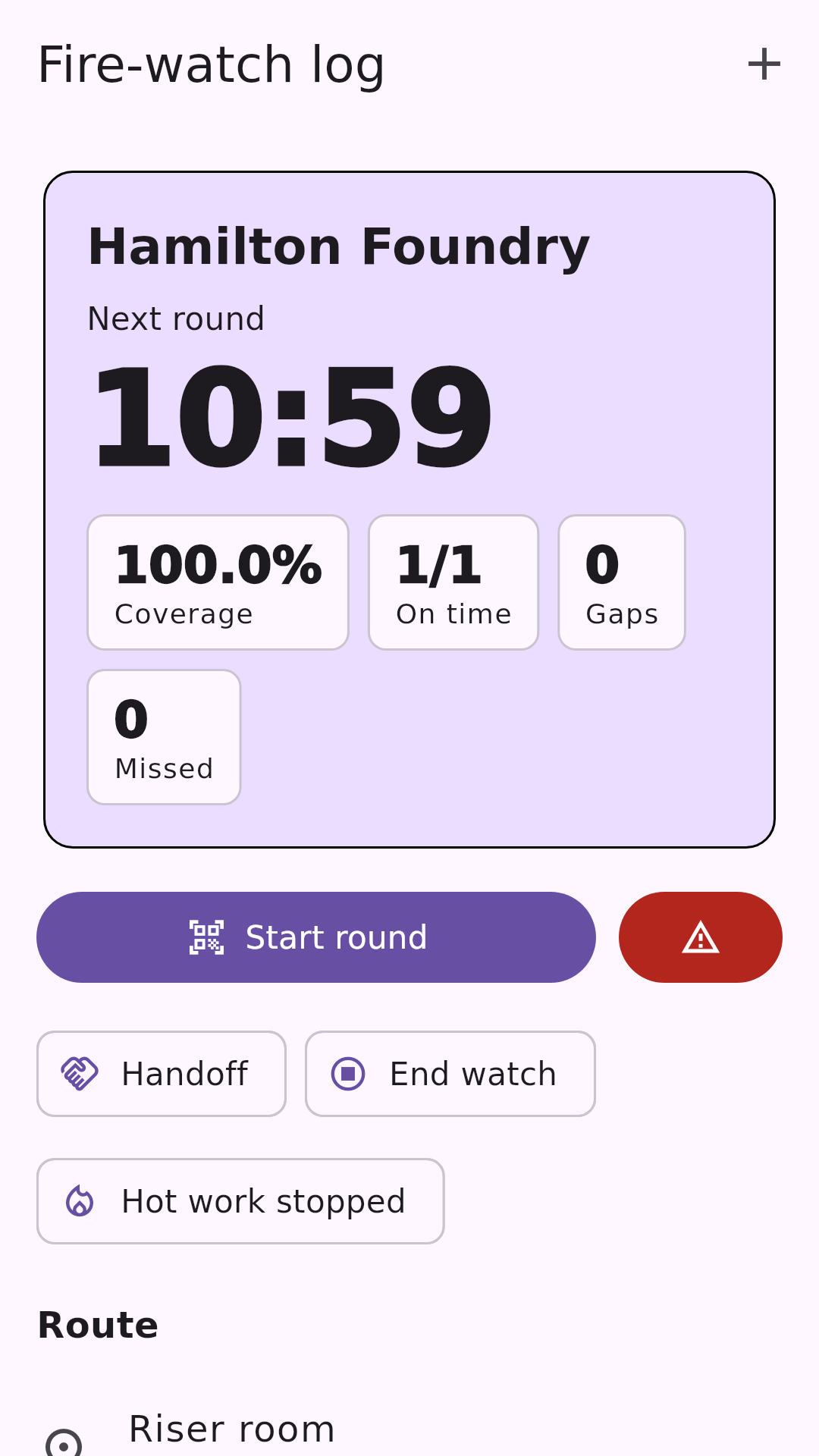
Start a watch, set the interval, post QR checkpoints, walk each round, capture proof, record incidents and handoffs, and export a reviewable patrol record.
Follow the timer, scan the checkpoint, answer the checklist, and attach photo proof.
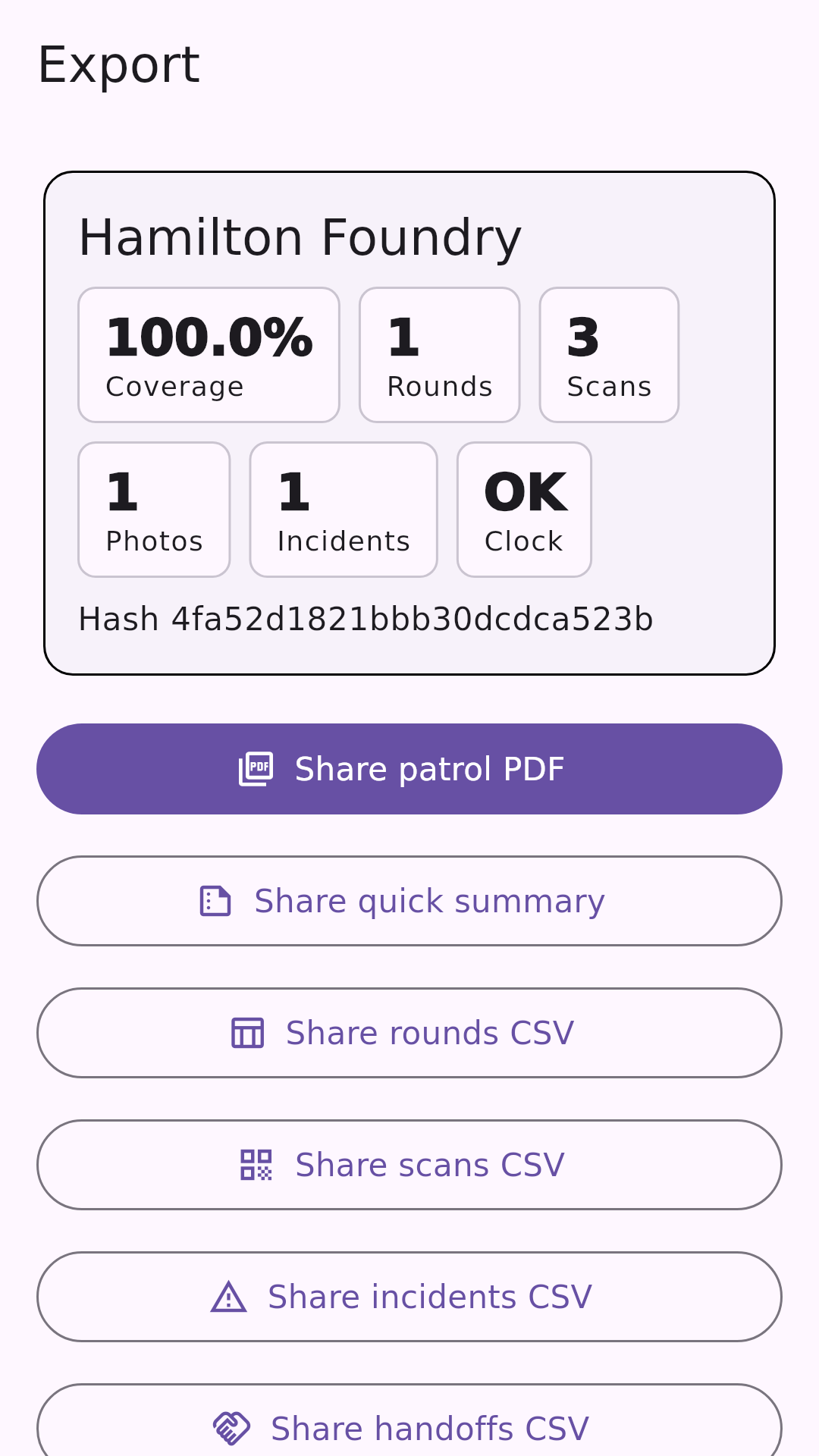
Create PDF, CSV, JSON, photo, placard, or ZIP records for the selected Android destination.
Documentation aid—not detection or dispatch
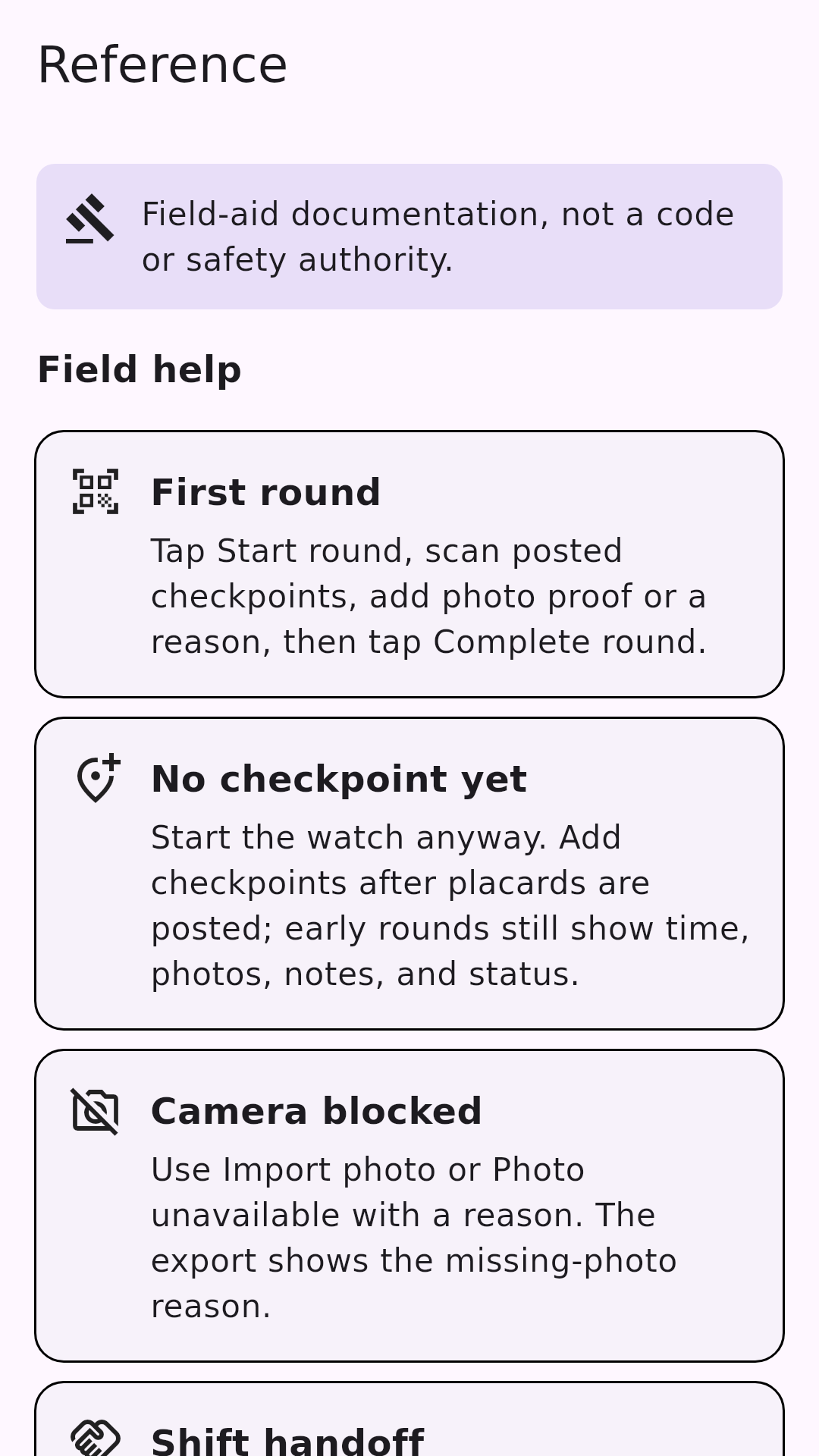
Follow the written fire-watch plan and directions from the fire department, authority having jurisdiction, owner, and site safety leadership. The app does not replace trained personnel, code requirements, alarm systems, or emergency procedures.
Real in-app screens
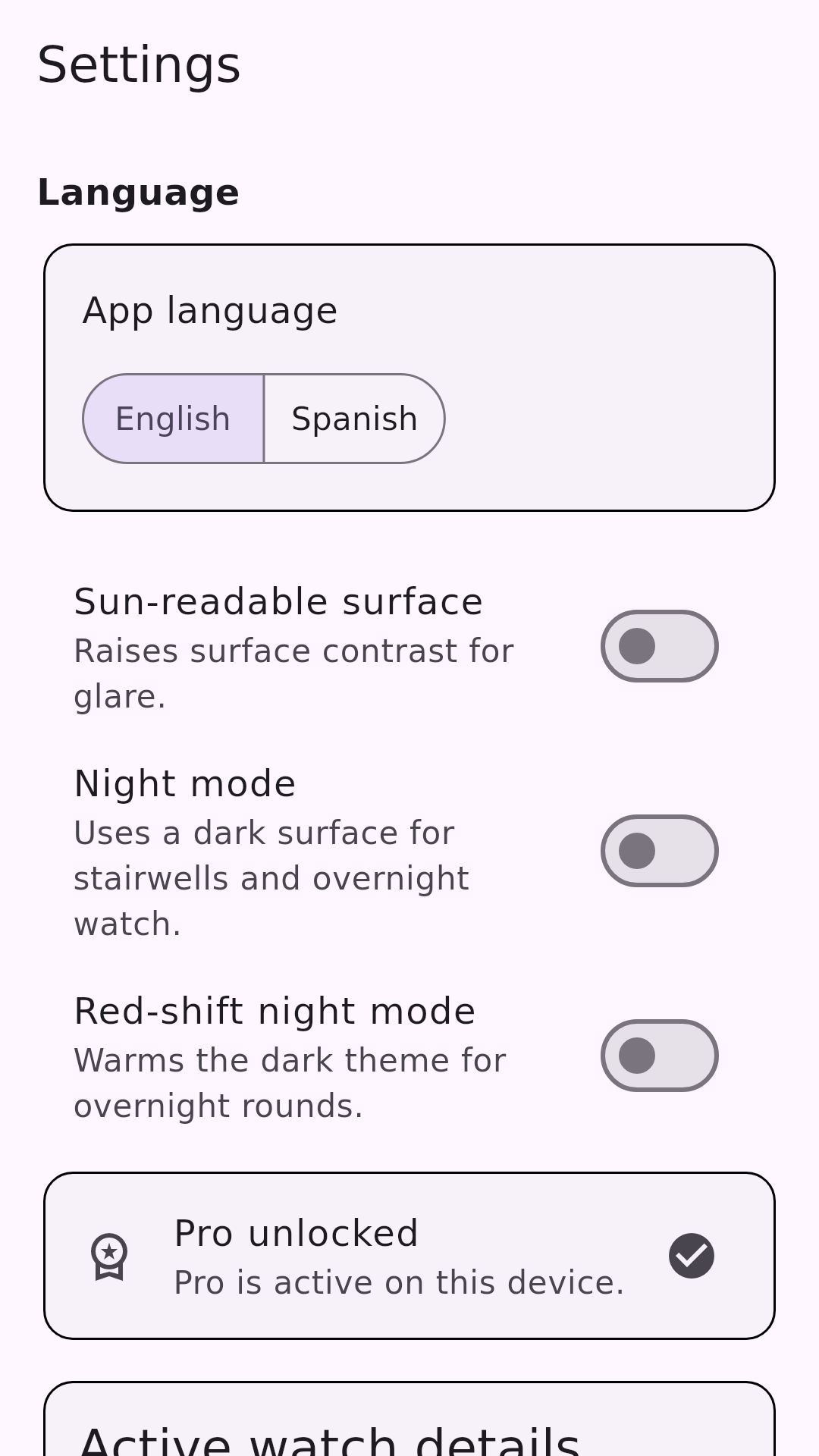
See the patrol workflow before installing
Before field use
Clear limits and local control
Package com.anvilfield.firewatchpatrollog is published by Anvilfield. It is an independent field aid, not an official app of a fire department, standards body, insurer, or government agency.
- Does it work offline?
- Yes. Core watch capture, photo proof, scan records, and exports work on device. Android share or save destinations may use their own network connection after you choose them.
- Is this a code authority or fire alarm system?
- No. It documents and organizes a fire watch. The AHJ, adopted code, trained personnel, and project requirements control the work.
- What exports are included?
- PDF, CSV, JSON, photo, placard, and ZIP exports are included, along with saved site tools and archived re-exports. There is no subscription, in-app purchase, or per-export fee.