VectorMap ELD
Plan the roof ELD survey, pick low or high voltage, pin every breach on a grid, confirm the retest, and send the report from the roof.

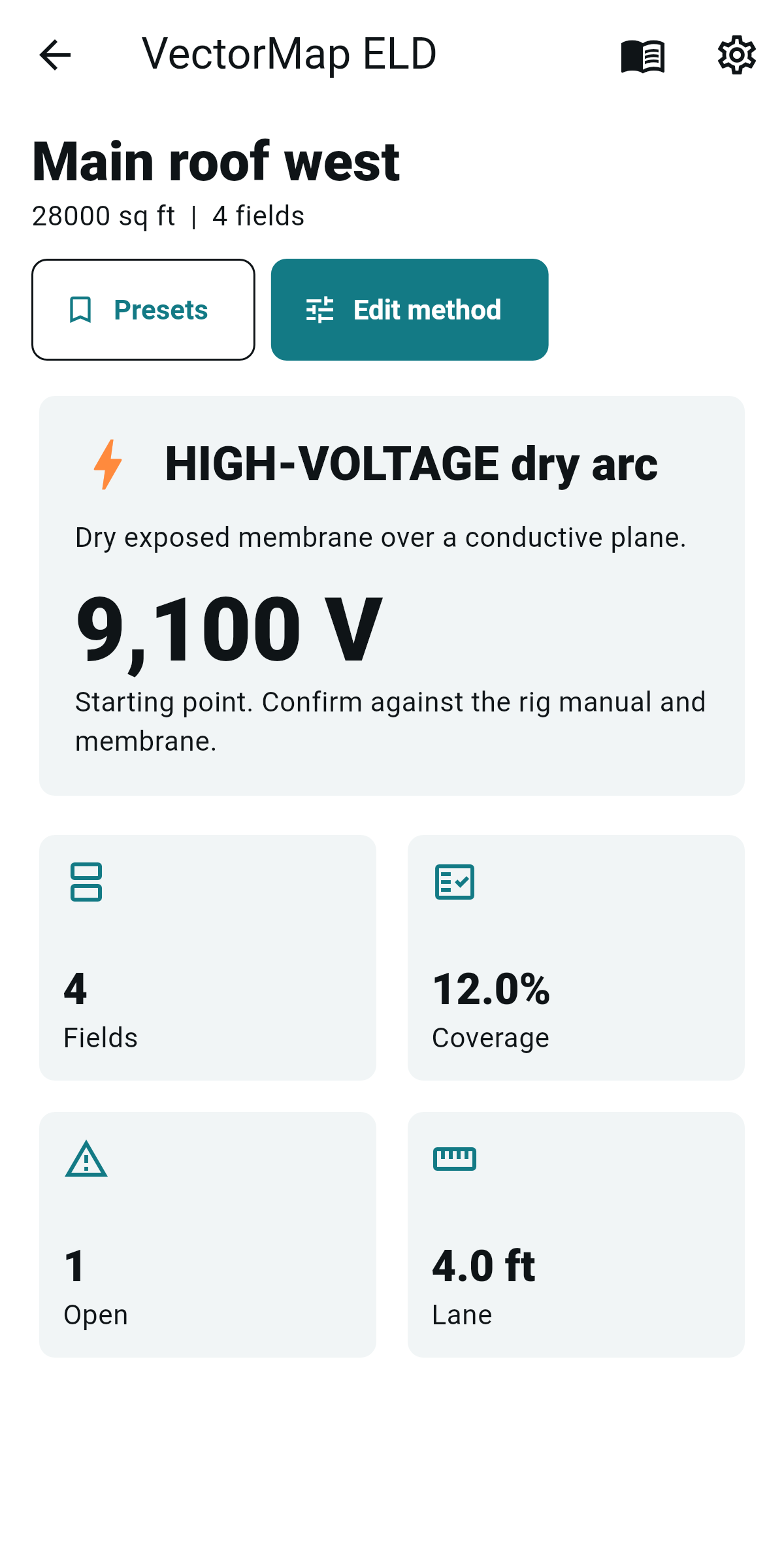
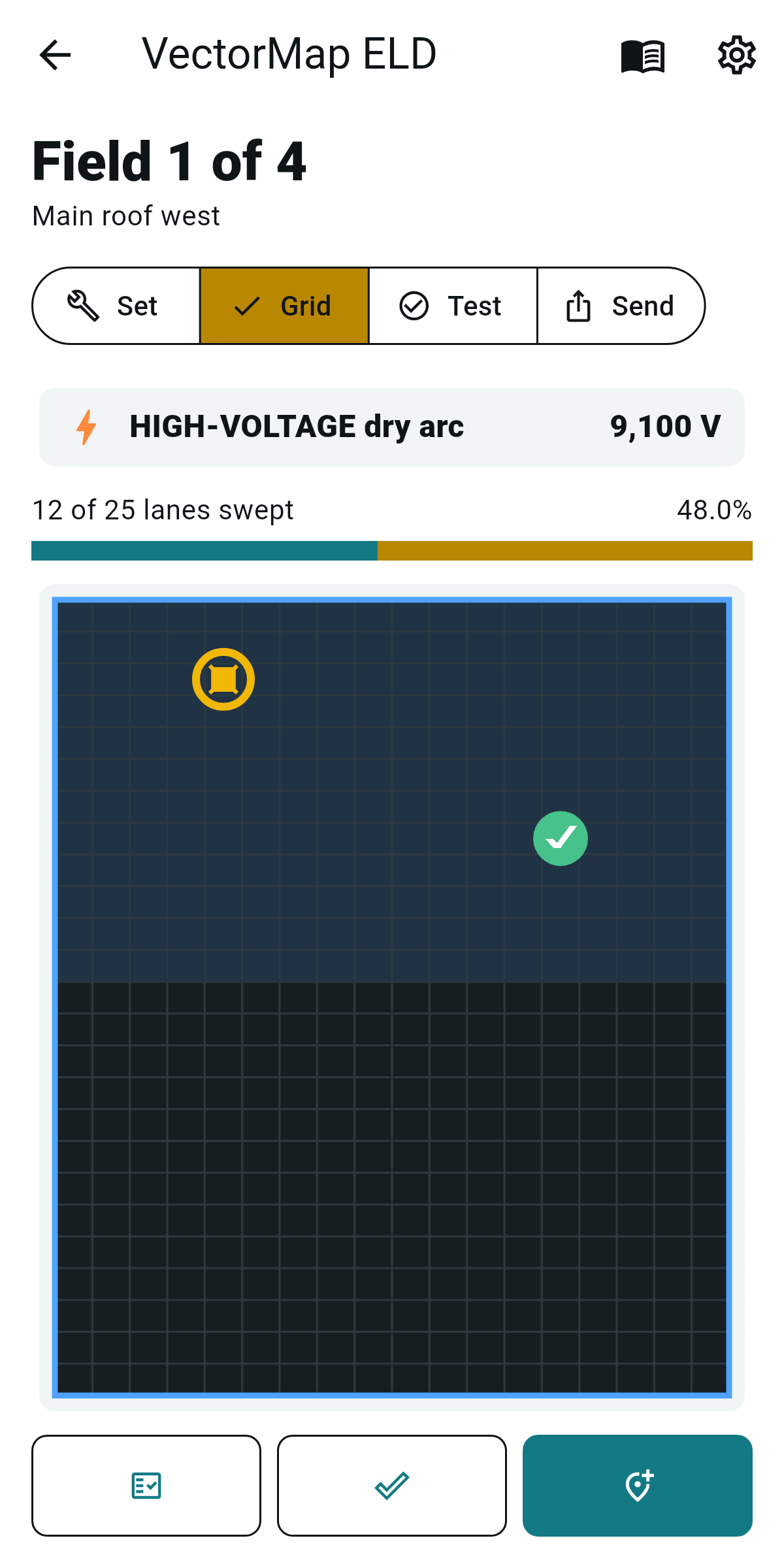
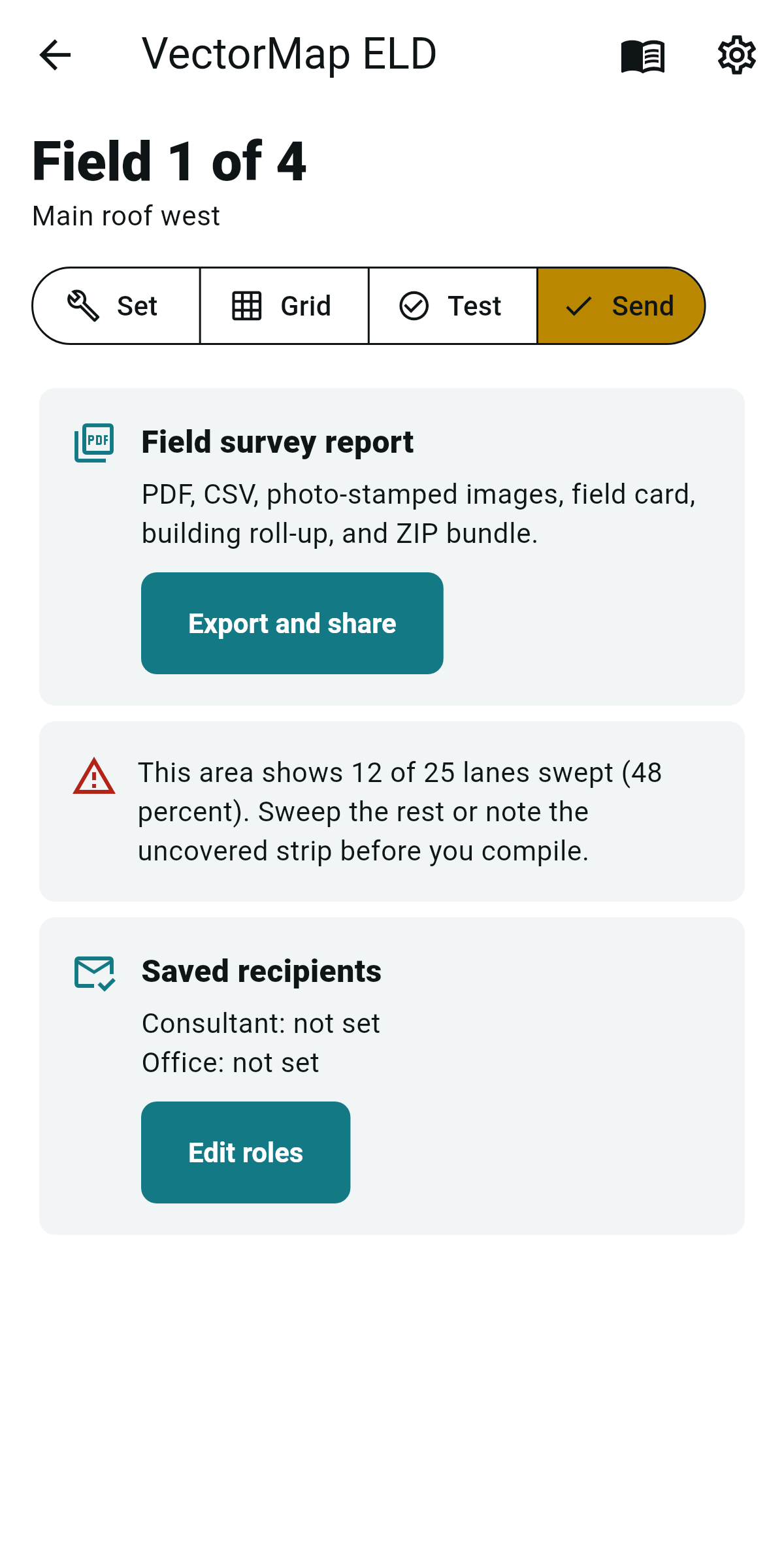
- Android field tool
- First three reports free
- $9.99 one-time Pro
- No accounts or cloud sync
Built For The ELD Walk
VectorMap ELD helps roof electronic leak detection techs run the field loop that gets a survey accepted: choose the method from the membrane and deck, split large areas into fields, mark sweep coverage, pin each breach, record setup and rig details, and re-test patches clean.
What It Exports
The app builds the field survey report, breach CSV, stamped breach images, one-page field card, building roll-up, and ZIP bundle on the device. The user chooses where to send the finished export through Android share.
The Rig Still Finds The Leak
VectorMap ELD is not a detection instrument and does not use the phone camera to find leaks. The calibrated ELD rig performs the test. The app keeps the method, grid, breach map, photos, retest status, and witness record together.
Privacy
Survey records, breach photos, retest photos, witness signatures, settings, and exports stay on the device unless the user shares an export. Read the app-specific VectorMap ELD privacy policy.
Read the VectorMap ELD terms of use for field-use limits, Pro purchase handling, no-warranty terms, and liability limits.
Support: [email protected]
FAQ
Does it detect leaks? No. The ELD rig detects the breach. VectorMap ELD plans, maps, tracks, and reports the survey.
Does it work without signal? Yes. The app stores records and builds exports on the device.
What does the report include? Method, voltage if used, rig and calibration, setup, ambient notes, grid coverage, breach pins, photos, retest status, loop-zone notes, and witness line.
What data leaves the device? Only the exports the user chooses to share through an Android share target.